MV Converter Get the app
Press kit
MV Converter app icon

MV Converter

Everything you need to write about MV Converter, the Mac app that turns 3D video into spatial video and the immersive video format, ready for Apple Vision Pro. Every image on this page links to its full-resolution file and is free to use in coverage of MV Converter.

Fact sheet

At a glance.

Name
MV Converter
Developer
Morin Innovation, Niort, France
Current version
3.2.0, released October 28, 2026
Next version
4.0, in public beta on TestFlight: Mac, iPhone, iPad and Apple Vision Pro
Category
Photo & Video
Platform
Mac with Apple silicon, macOS 26 or later
Static foveation: macOS 27
Preview on Apple Vision Pro: visionOS 27
Price
Free, every feature included: exports cover the first 20 seconds of a video, one video at a time.
Optional Premium yearly subscription, $17.99 a year (or local equivalent), removes both limits.
Languages
English, Arabic, Chinese (Simplified), French, German, Italian, Japanese, Korean, Portuguese (Brazil), Spanish
Formats
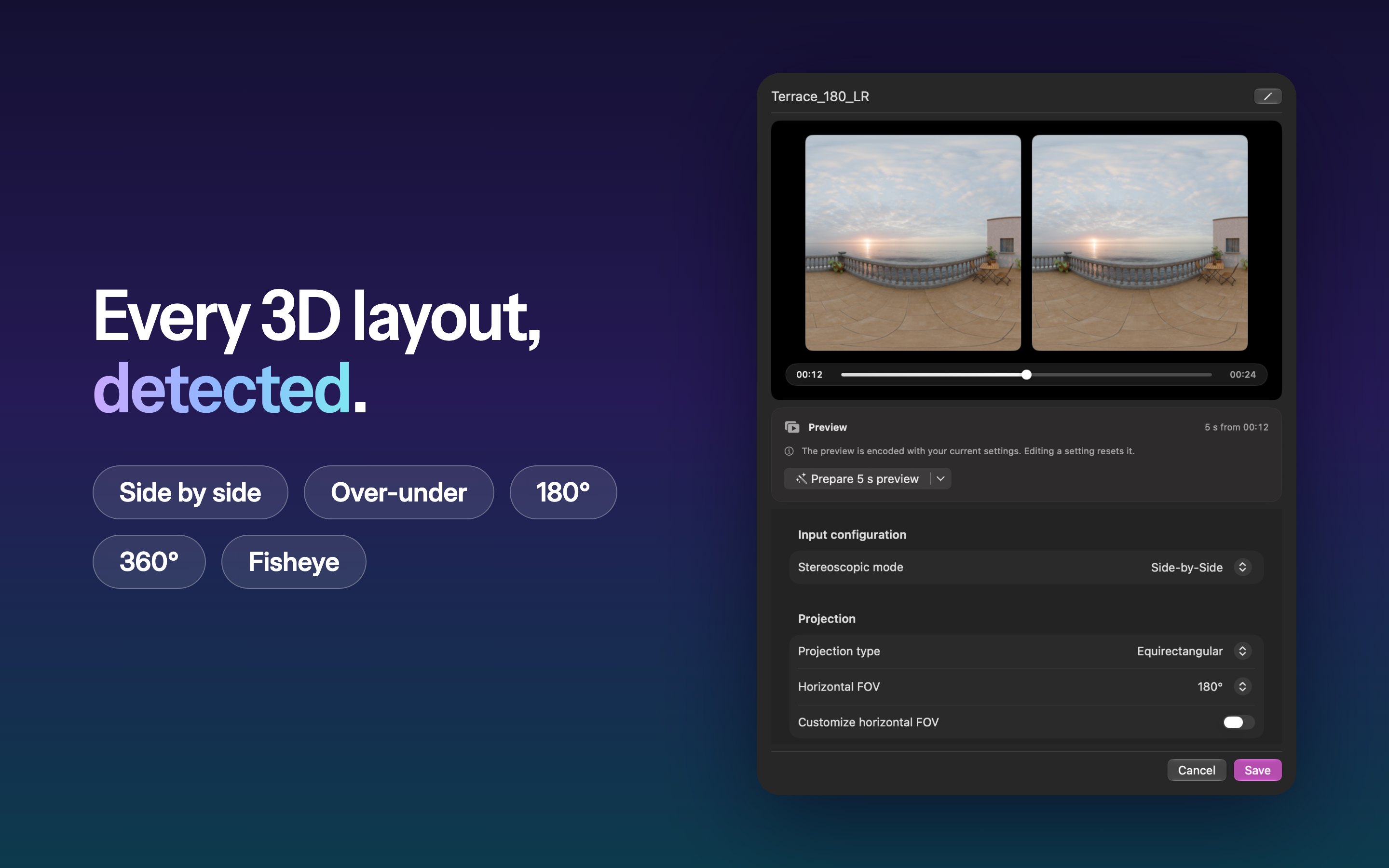
In: side by side, over-under, 180°, 360°, fisheye, MV-HEVC, SDR and HDR
Out: spatial video (MV-HEVC, MOV or MP4), the immersive video format (.aivu), side by side or over-under
Website
mvconverter.app
App Store
apps.apple.com/app/id6471924175
About

Make every 3D video spatial.

MV Converter takes the 3D videos cameras make, side by side, over-under, 180°, 360° or fisheye, and turns them into spatial video (MV-HEVC with projection metadata, as MOV or MP4) or into the immersive video format (.aivu), ready for Apple Vision Pro. It runs on the Mac, with hardware encoding on Apple silicon.

Drop a video. That’s it.

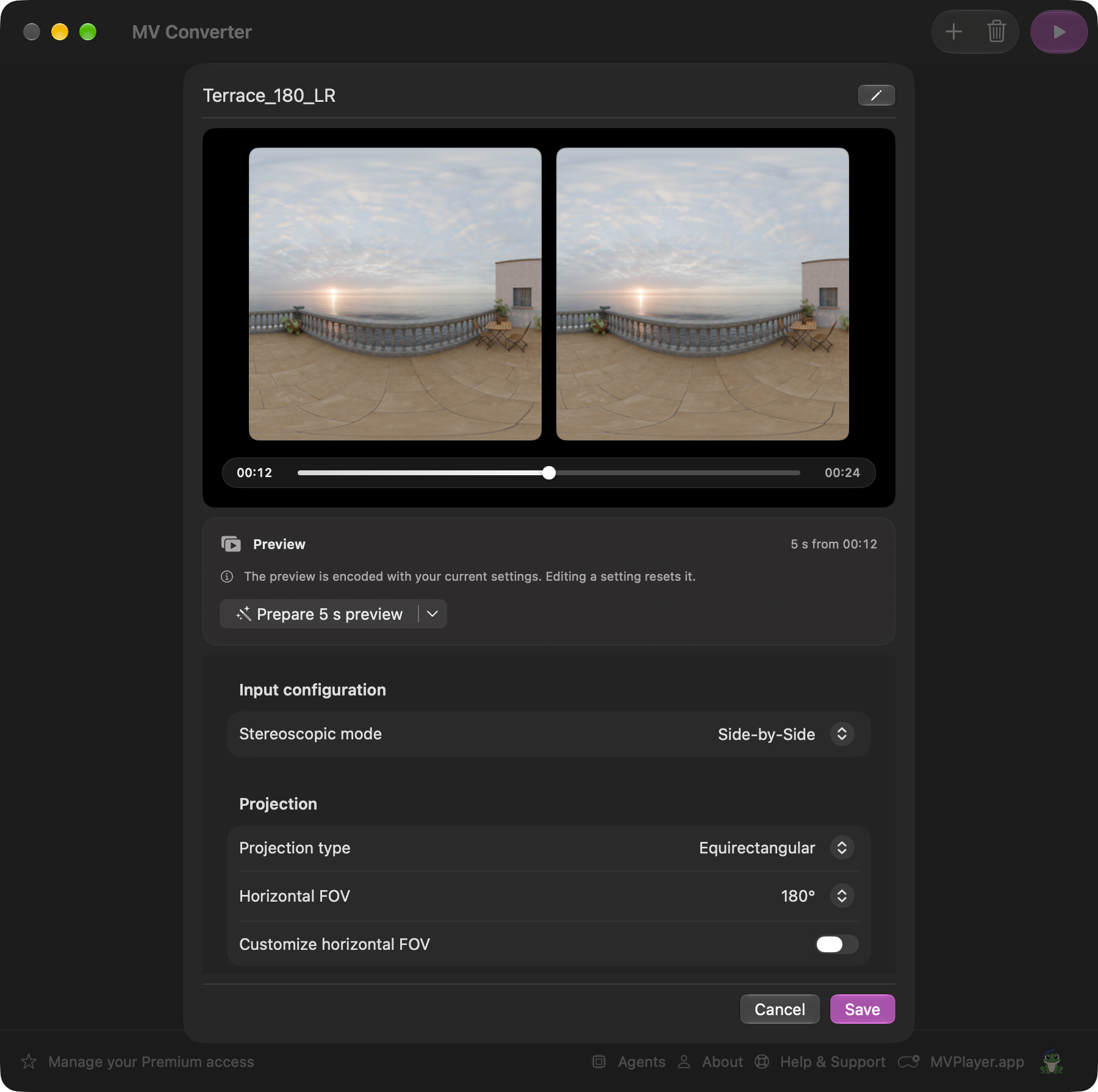
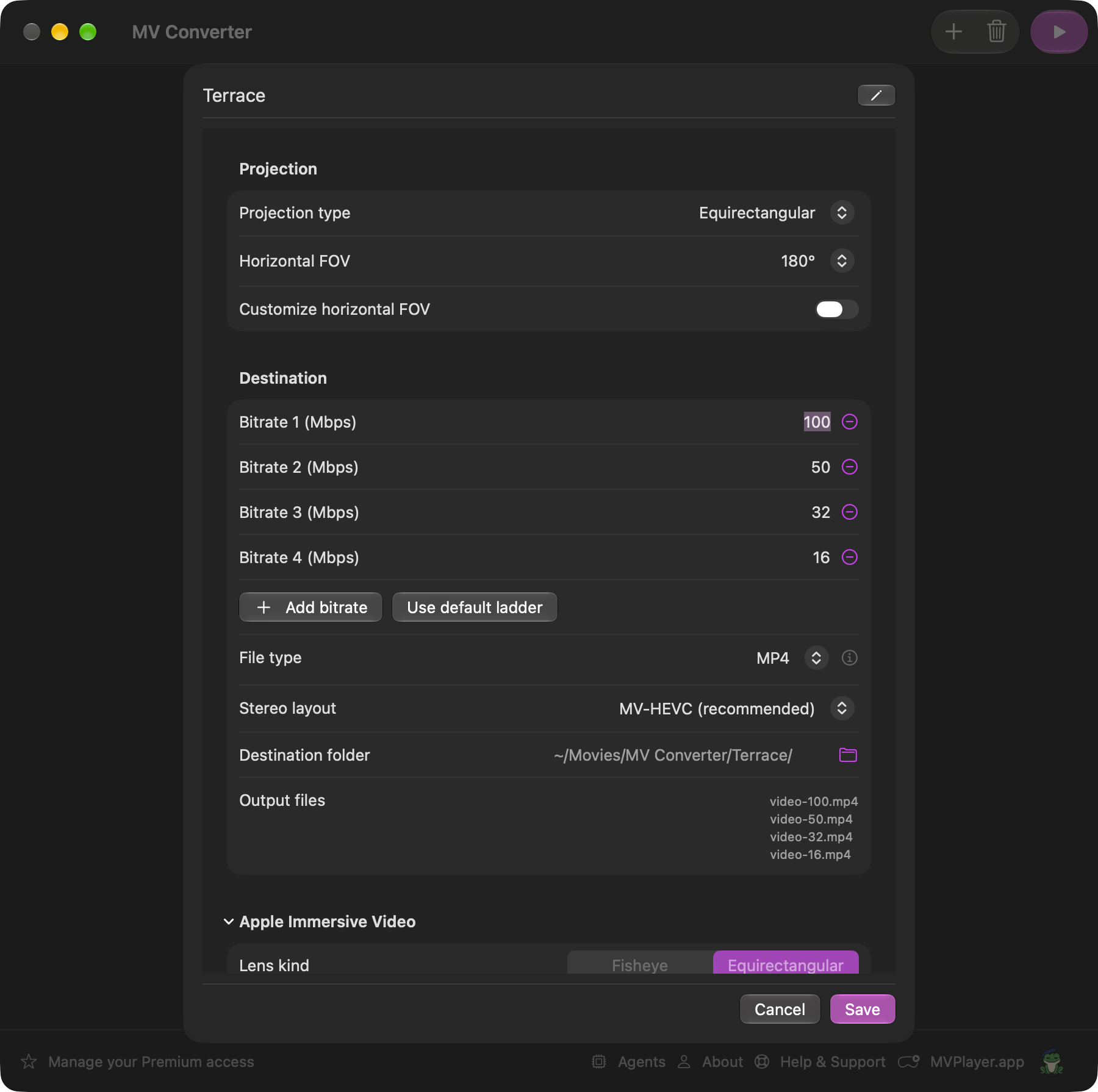
  • Automatic detection: stereo layout, projection, field of view, frame rate, HDR and audio, read from the file’s metadata or, when it has none, from the picture itself.
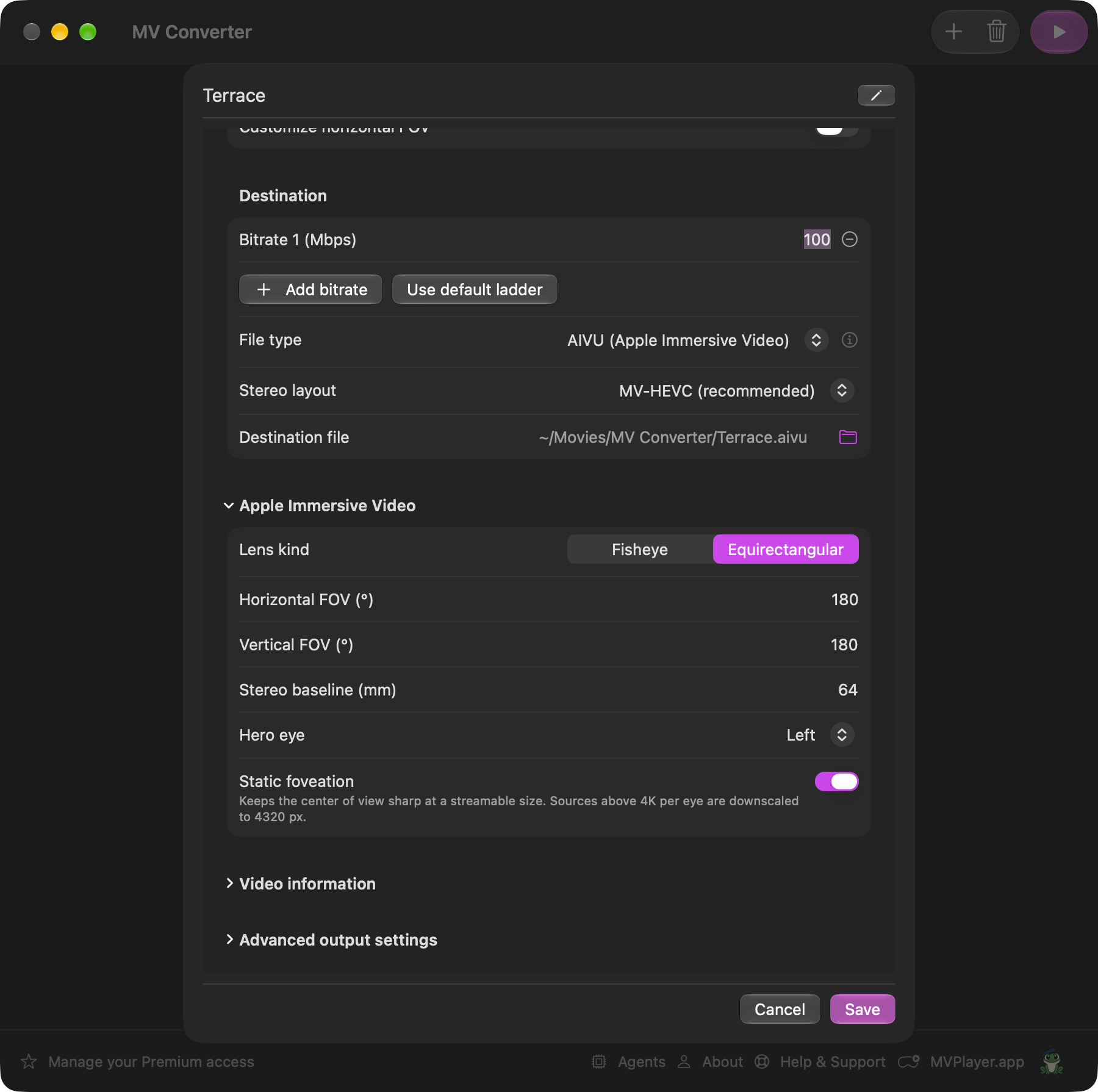
  • Every setting stays yours: stereo mode, projection, field of view, bitrates, audio tracks and subtitles.
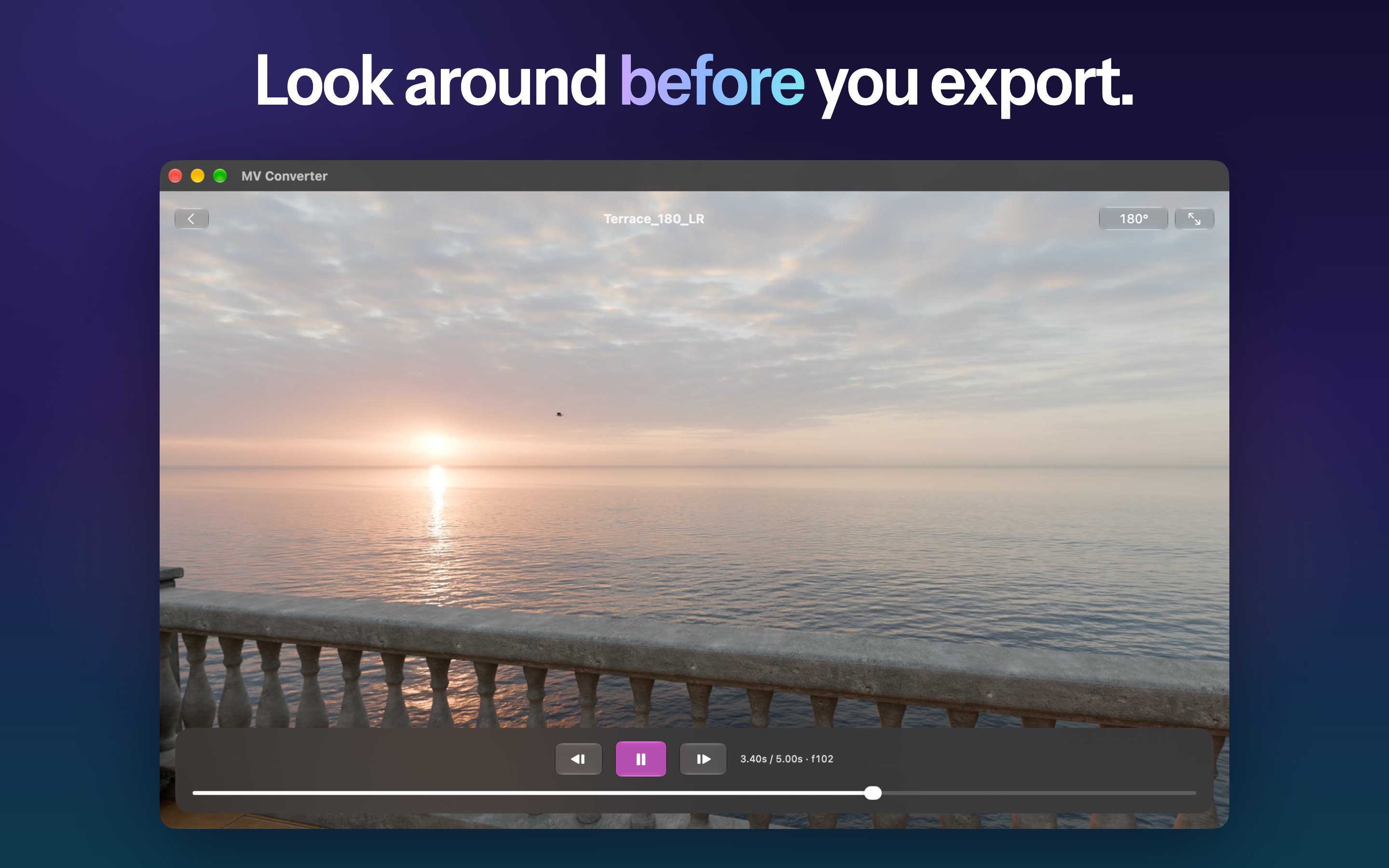
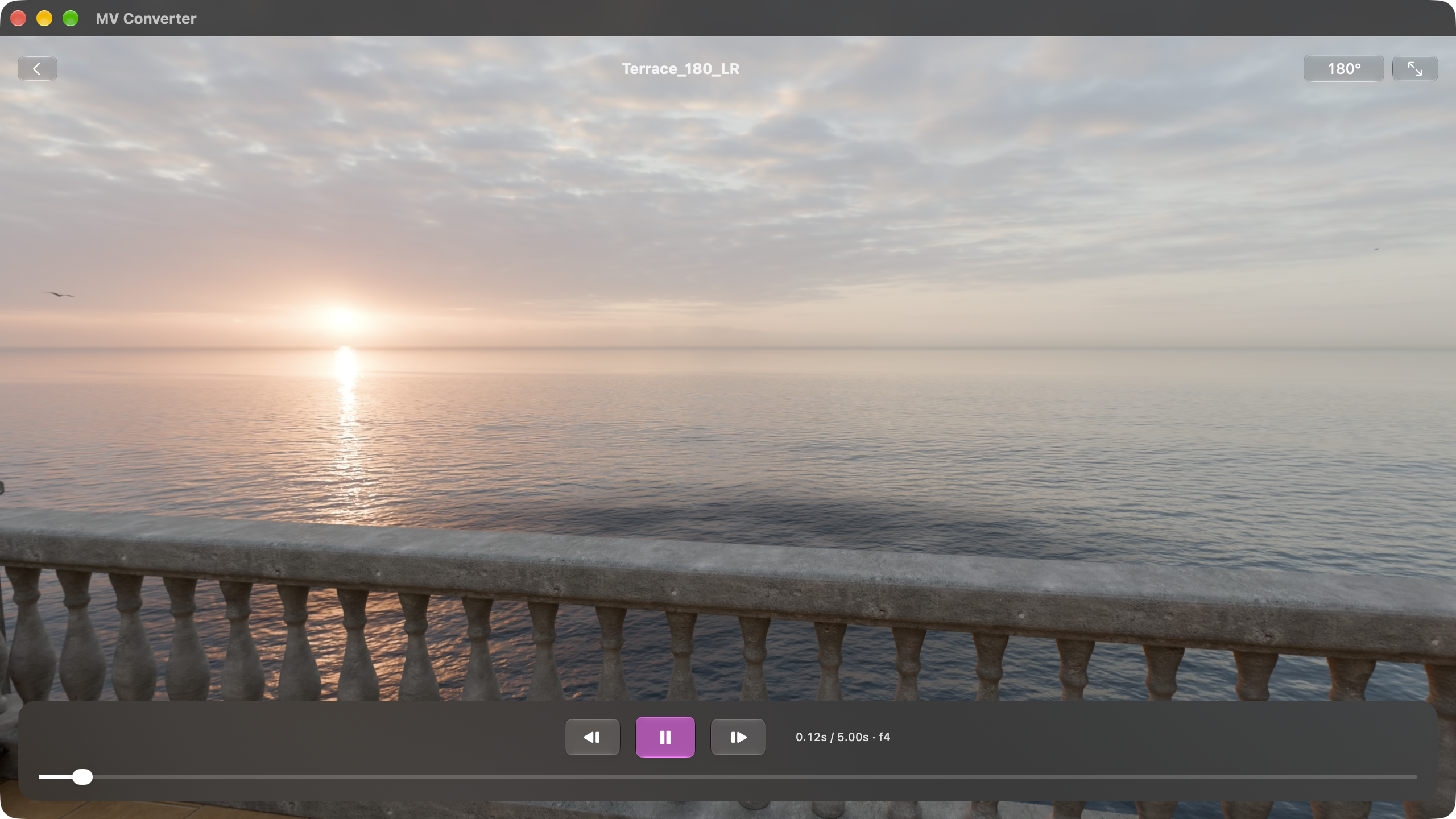
  • Look around before you export: a short preview encoded with the exact settings, playable on Apple Vision Pro with visionOS 27.
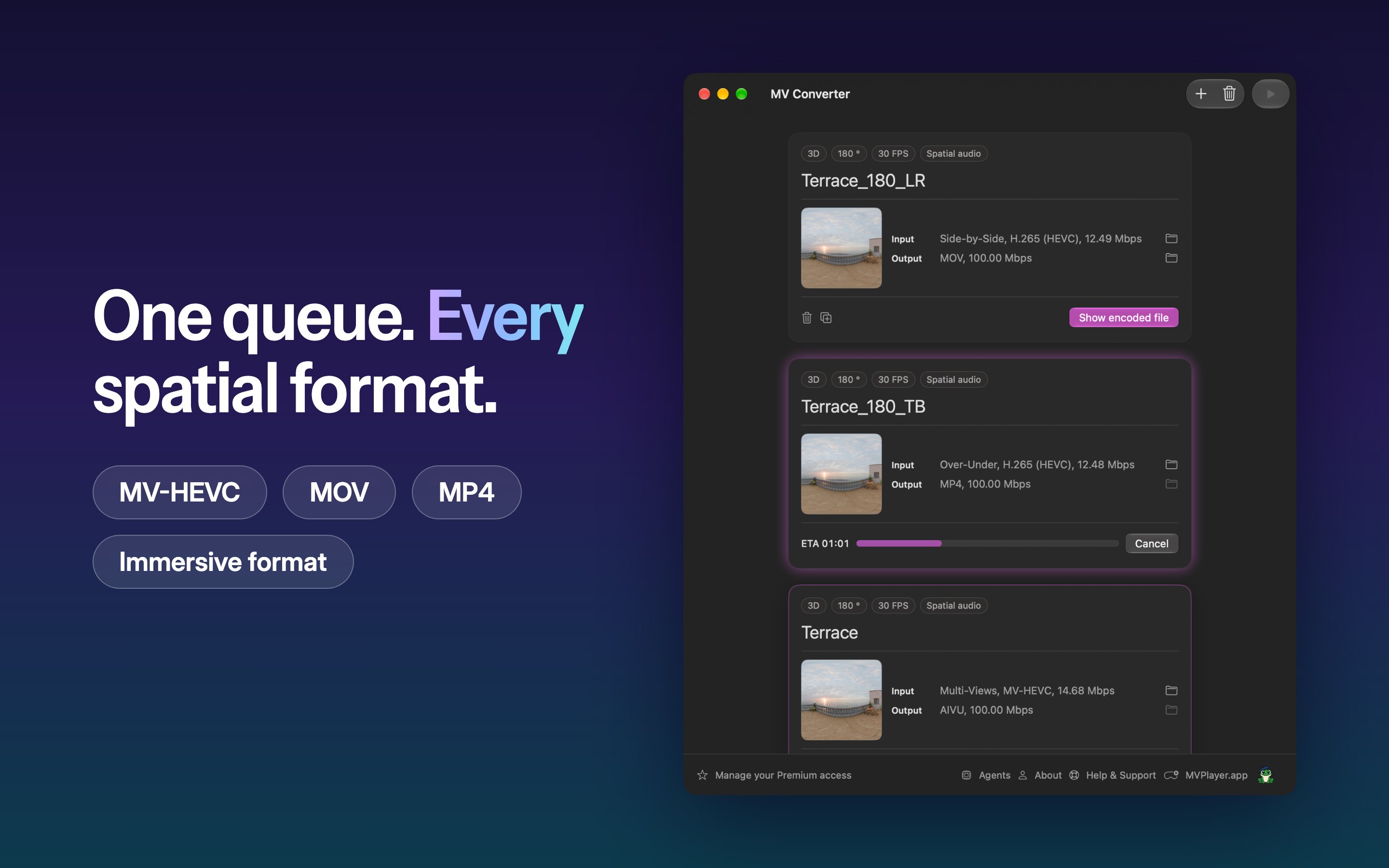
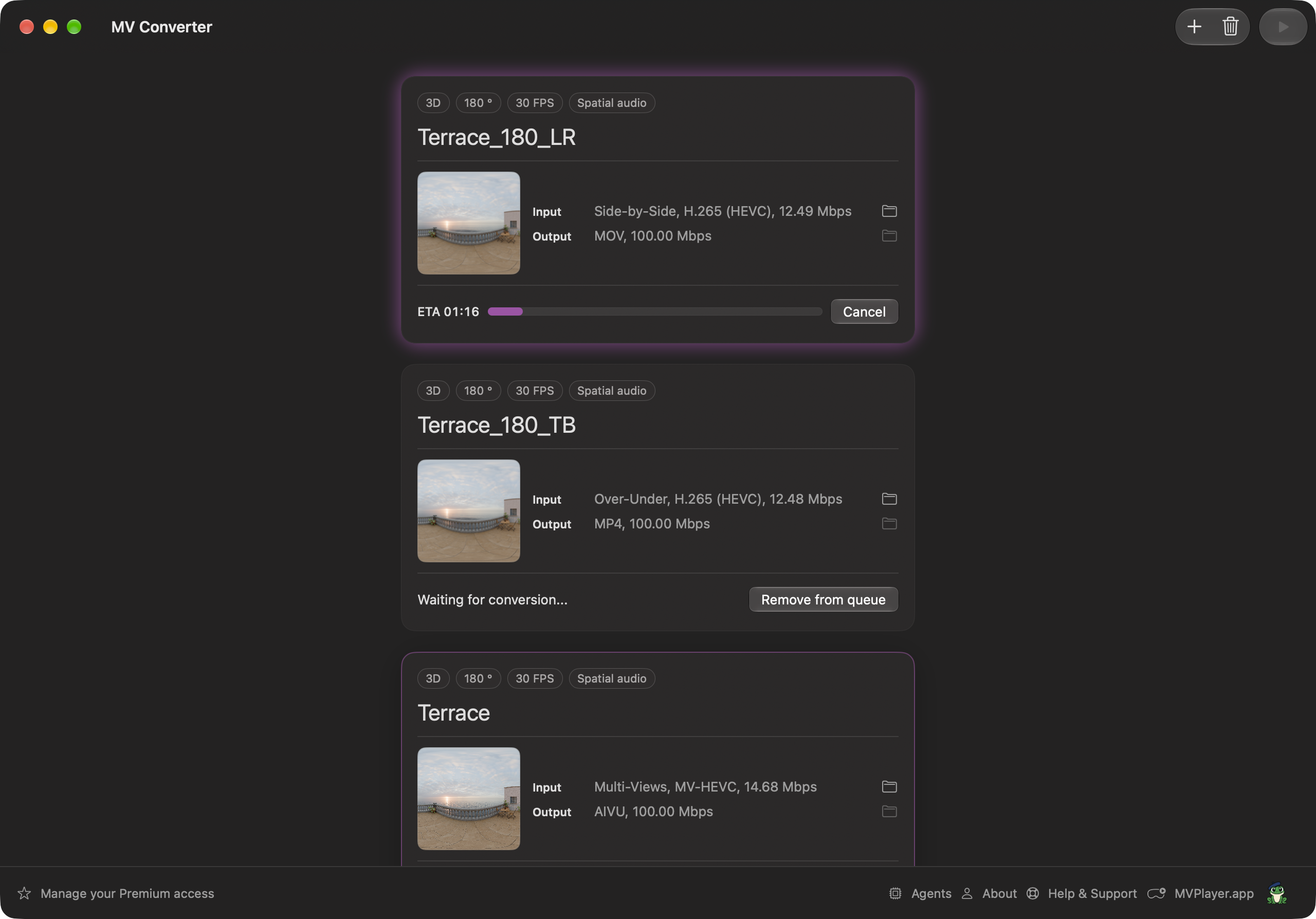
  • One queue for every video, with the progress and time left for each.

Spatial and immersive.

  • Spatial video: MV-HEVC with the projection metadata Apple Vision Pro reads, for 180°, 360° and flat 3D.
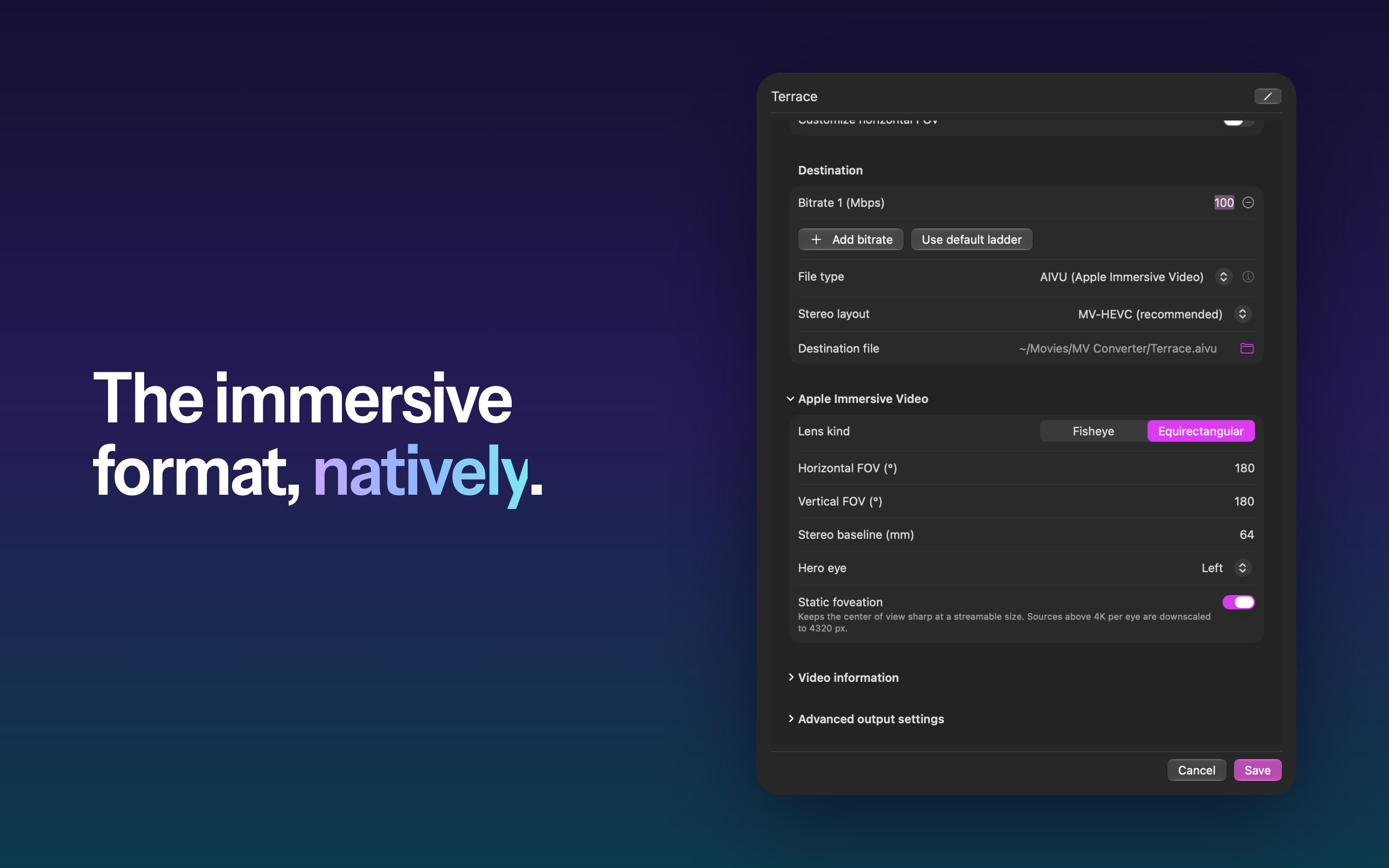
  • The immersive video format: native .aivu export, with static foveation on macOS 27.
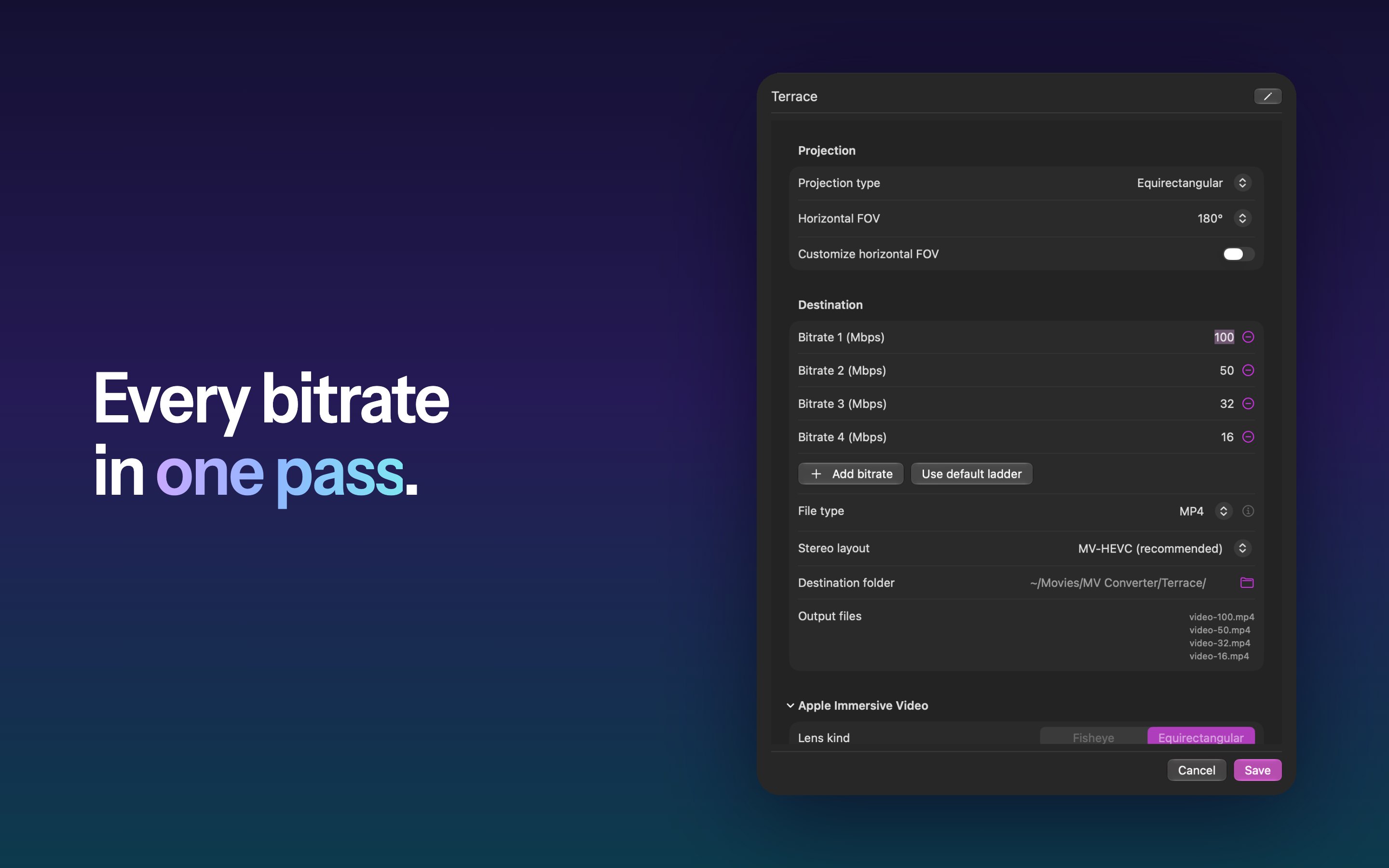
  • SDR and HDR (PQ and HLG), colors kept from end to end, and several bitrates in one pass for adaptive streaming.
  • Compatibility mode: side by side or over-under, at full or half resolution, for players that don’t read MV-HEVC.

Agents.

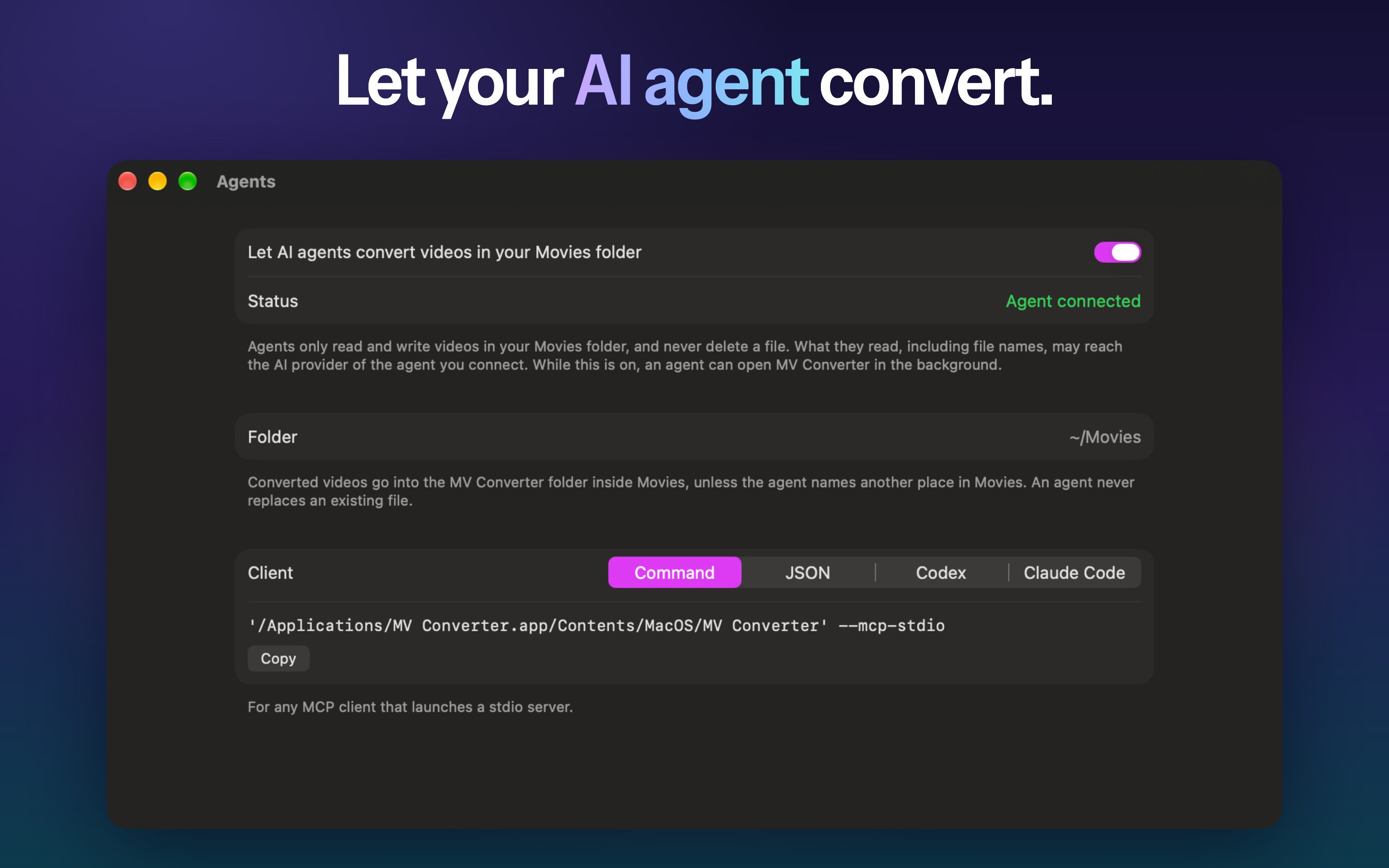
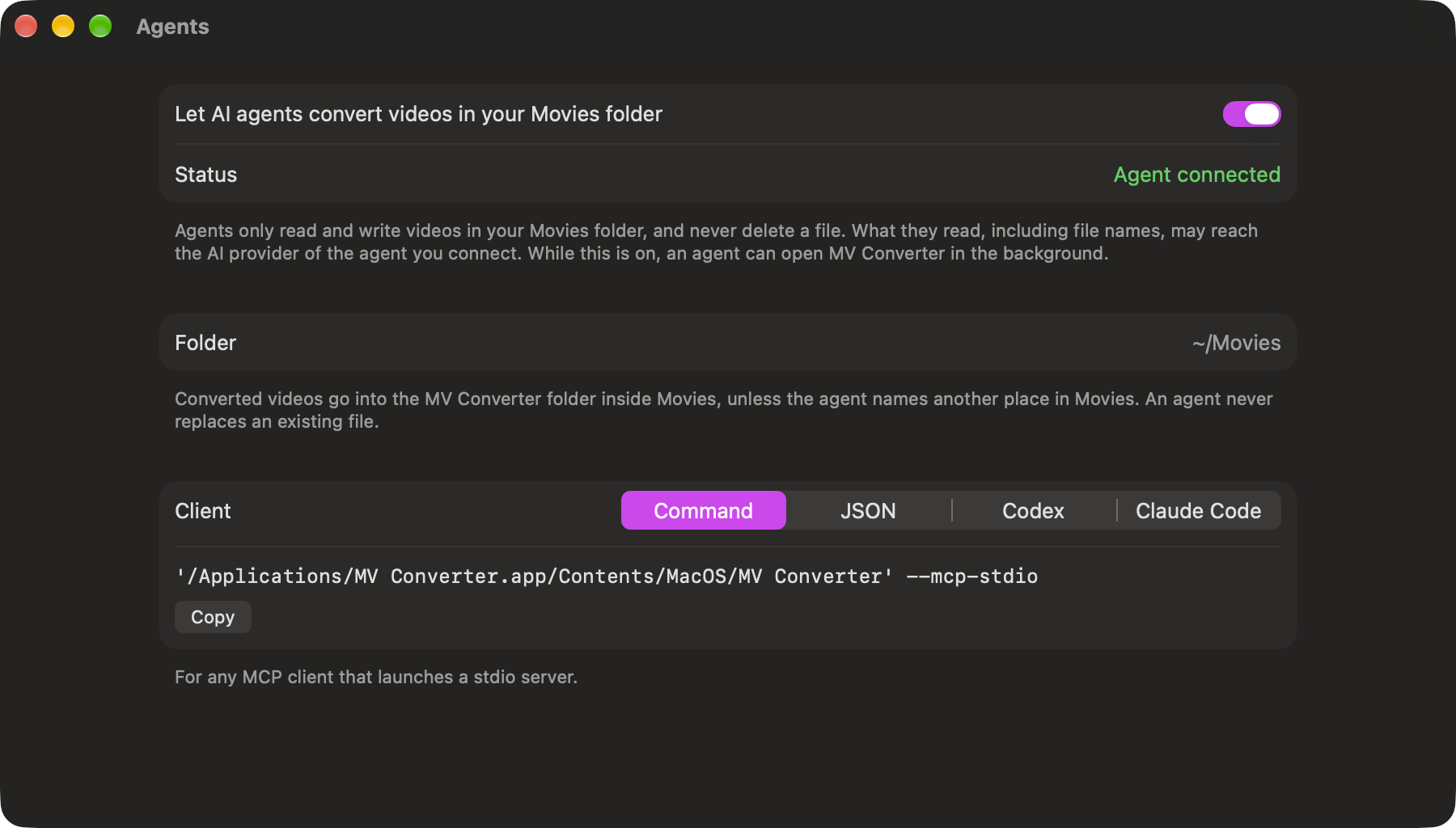
An AI agent that supports MCP can inspect and convert the videos in the Movies folder, with the same settings and limits as the app. It is off by default, stays on the Mac, only reaches the Movies folder, and never deletes or overwrites a file.

Free, every feature included.

Every feature is free. Free exports cover the first 20 seconds of a video, one video at a time; the optional Premium yearly subscription removes both limits.

Release notes

What’s new, newest first.

MV Converter 4.0 Beta

In public beta on TestFlight · release date to come

  • Mac, iPhone, iPad and Apple Vision Pro: one app on four platforms, with one Premium subscription for every device. Made for iPhone Duo; Agents stay on the Mac.
  • High Fidelity and High Compatibility: every export shows the labels its formats earn. The compatibility mode becomes High Compatibility, with Apple’s and Google’s metadata, AAC audio and SDR.
  • Both ends of a conversion: the preview runs on MVPlayer’s engine and plays the source before anything is encoded, then the encoded clip, in Panorama, Tiny Planet or Crystal Ball.
  • 2D video: flat, 180° and 360° 2D videos now convert, with Apple’s and Google’s metadata for 180° and 360°.
  • A failed conversion says so on its card, and a notification tells you when a conversion ends.

MV Converter 3.2 New

Released October 28, 2026

  • Agents: an AI agent that supports MCP can inspect and convert the videos in your Movies folder. Off by default, it stays on your Mac and never deletes or overwrites a file.
  • Compatibility mode: export side by side or over-under, at full or half resolution, for players that don’t read MV-HEVC. These files are heavier and of lower quality, so MV-HEVC stays recommended.
  • Videos in the immersive video format exported as MOV or MP4 now become 180° video, following every camera change.
  • Better detection of side-by-side and over-under files and of the metadata they carry.
  • High frame rate exports now play at their real speed in QuickTime Player.
  • Clearer drop zone, and destination paths written from your home folder.

MV Converter 3.1

Released September 11, 2026

  • Preview a conversion on Apple Vision Pro while you adjust it, without waiting for the whole video (visionOS 27).
  • Export to the immersive video format with static foveation (macOS 27).
  • The refined design of macOS 27, and faster detection, preview and export.

MV Converter 3.0

Released May 2026 · followed by 3.0.1 with fixes

  • Native export to the immersive video format.
  • Projection metadata written directly into every export.
  • A translucent interface redesigned for macOS 26, in light and dark.
  • Several bitrates in one pass, and a pipeline re-engineered for quality, speed and compression.
Icon

Brand assets.

Please use the icon as supplied: don’t recolor it, crop it, or add effects.

Colors

#4F44F3 #C26FE2 #9B4EBF #21A8D1 #0B0B0F
Image

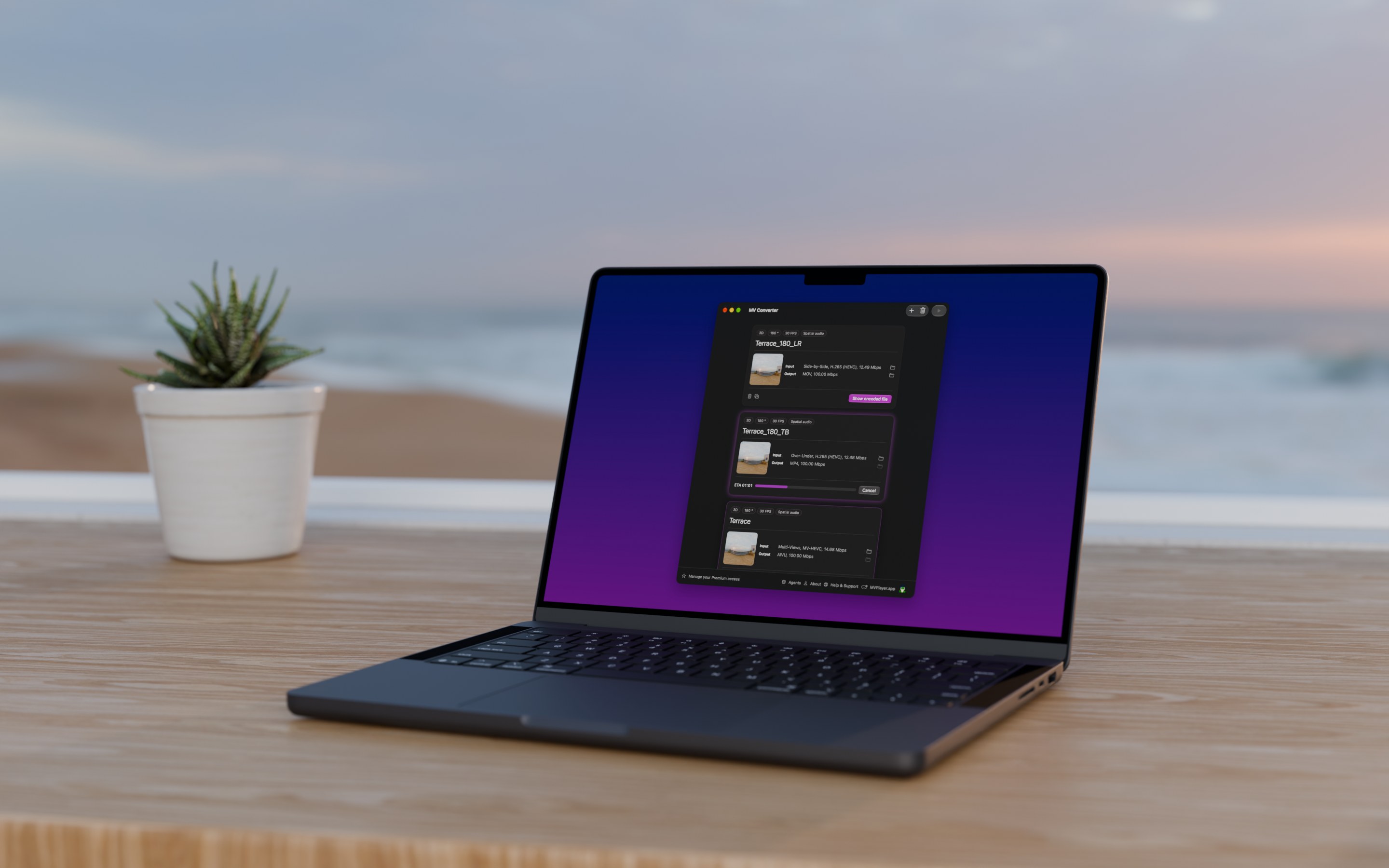
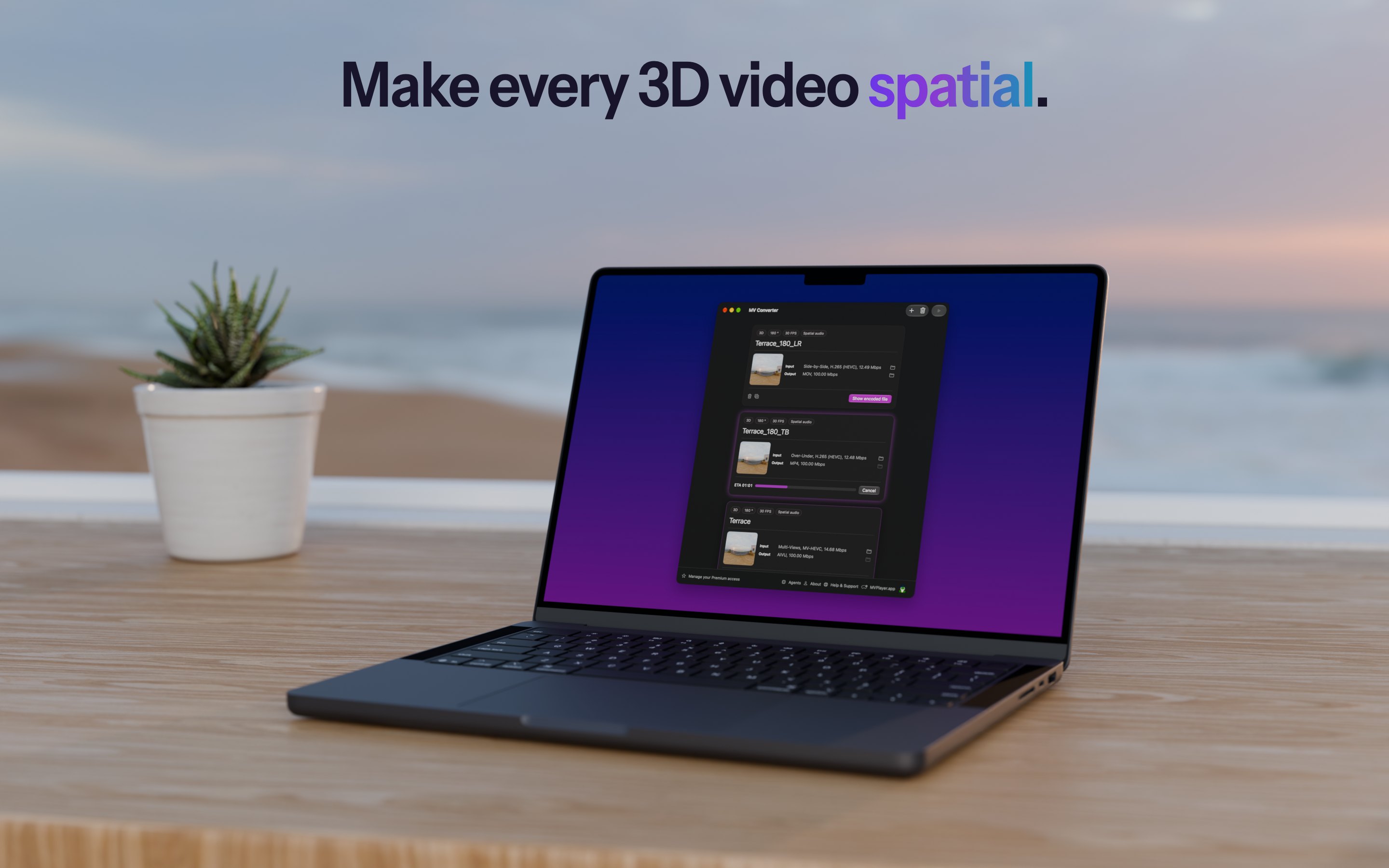
MV Converter by the sea.

Rendered in Blender: a MacBook at the seaside window at sunset, MV Converter’s queue turning the terrace video into MOV, MP4 and the immersive video format.

Screenshots

As on the Mac App Store.

The App Store screenshots for version 3.2.0, in English, 2880 × 1800.

App windows

The windows, on their own.

Captured from the app on a Retina display, with transparent corners, to lay out on your own background.

The films

One terrace. Every spatial format.

MV Converter’s film, from its App Store preview: a side-by-side 180° video dropped on the window, its layout detected, previewed, then exported as MOV, MP4 and the immersive video format. 1920 × 1080, 30 fps, with the terrace’s own sound.

And the 3.2 film, “Your Mac converts. You keep shooting.”: a request typed to an AI agent, MV Converter’s tools at work, then the pull-back to the iPhone Duo it was typed on, on a film set. 1080 × 1350, 24 fps, 29 seconds, with music. Imagery created with AI; agent app and screen content simulated.

Team & contact

Get in touch.

Florent Morin

Founder of Morin Innovation. Designs and develops MV Converter and its sister app MVPlayer.

Press

Interviews, review access, or anything else for coverage: contact@mvconverter.app

Support

Questions about the app: contact@mvconverter.app